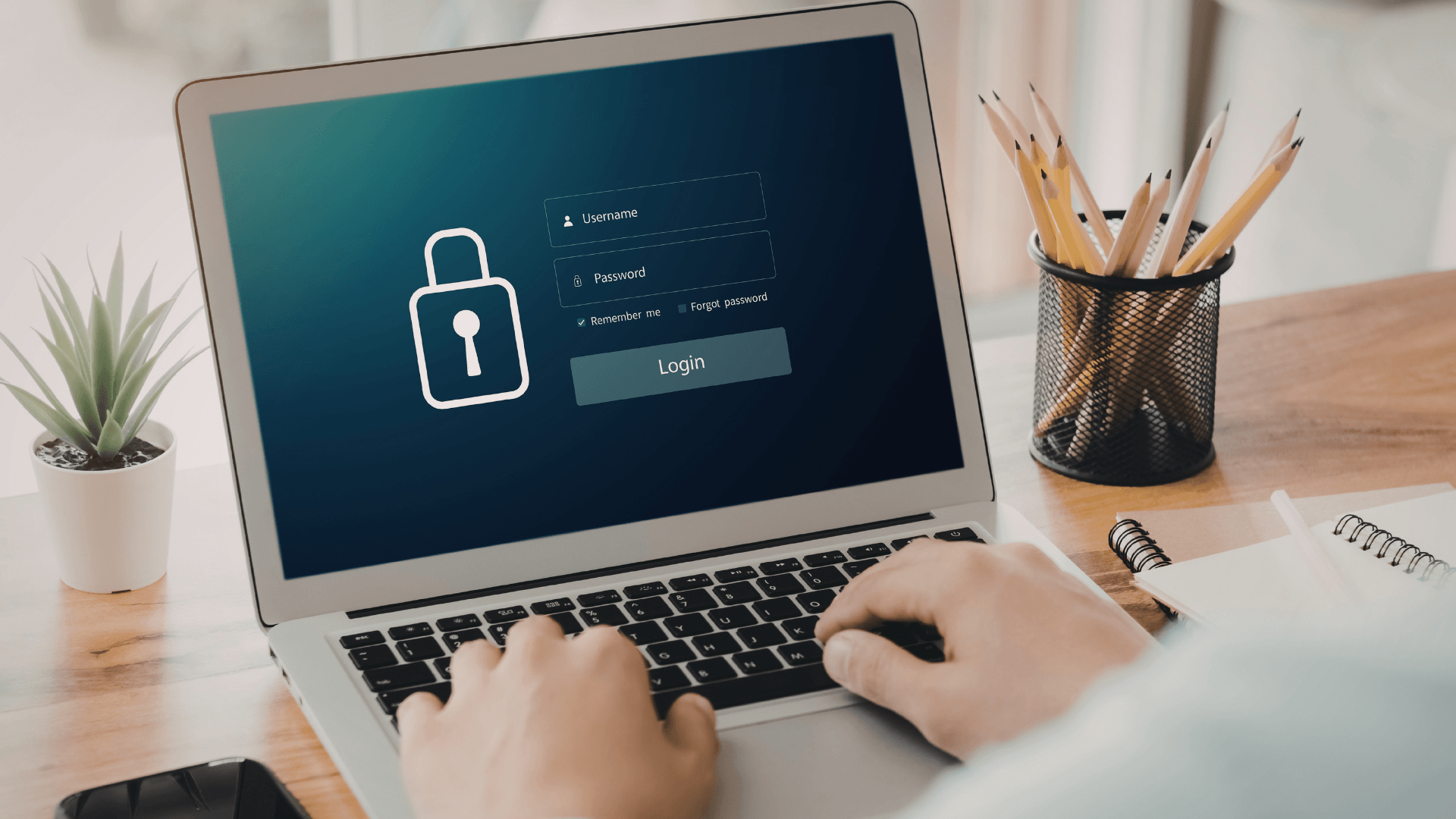
Passwords are still the front door to most business systems, with stolen credentials still a leading cause of major breaches.
Email accounts, cloud storage, financial platforms, CRM systems and remote access tools all rely on credentials to control who gets in. The problem is that most businesses still manage passwords the same way they did ten years ago: stored in browsers, written down, reused across multiple accounts, or shared informally between staff.
That approach isn’t just inconvenient. It’s a serious security risk.
Small and mid-sized businesses are increasingly targeted through credential attacks such as phishing or password reuse. A password manager is one of the simplest and most effective ways to reduce that risk while making everyday work easier for your team.
Let’s take a look at what a password manager actually is, and why your business should be using one today.
What Is a Password Manager?
A password manager is a secure digital vault that stores all your passwords in one encrypted location.
Instead of trying to remember dozens of complex logins, your team only needs to remember one master password. The manager then securely stores and autofills credentials for websites, applications, and systems.
Modern business password managers can also:
- Generate strong, unique passwords automatically
- Securely share access with team members
- Control who can see or use specific credentials
- Revoke access when staff leave
- Monitor password strength across the organisation
This removes the need for risky habits like reusing passwords or storing them in spreadsheets.
Why Businesses Are Moving to Password Managers
They Eliminate Weak and Reused Passwords
One of the biggest causes of security breaches is password reuse.
If the same password is used across multiple systems, a breach on one platform can expose everything else. Password managers generate strong, unique passwords for every account, dramatically reducing this risk.
They Reduce the Impact of Phishing Attacks
Phishing emails often trick users into entering their credentials on fake login pages.
Password managers help reduce this risk because they only autofill credentials on legitimate domains. If the website is fraudulent, the manager simply won’t recognise it.
This provides a quiet but powerful layer of defence for your organisation.
They Make Access Management Much Easier
Businesses constantly need to grant and remove access:
- New staff joining
- Contractors needing temporary access
- Employees leaving the company
Without a password manager, credentials often get shared informally by email, chat, or even verbally.
With a password manager, administrators can grant or revoke access instantly without exposing the password itself.
They Improve Productivity
Security shouldn’t slow your team down.
Password managers remove the need for password resets, sticky notes, and endless login frustrations. Staff can securely access the systems they need without constantly requesting credentials from colleagues.
This small change often saves a surprising amount of time across the business.
Why Password Managers Work Best With Managed Devices
A password manager is an important security tool, but it’s even more effective when used as part of a managed IT environment.
When devices are properly managed, your business gains additional layers of protection, such as:
- Every laptop and workstation is set up to your business security specifications.
- Encryption and device security policies
- If a device is lost or stolen, company data remains protected.
- Secure credential storage
- Password managers can be deployed consistently across all devices.
- Controlled access to systems
- Regular external backups
If something goes wrong, critical business data can be recovered quickly.
Talk to the IQPC Team About Managed Devices
IQPC has been helping Perth businesses manage and secure their IT environments since 1994, providing practical support and tailored solutions that improve productivity and reduce risk.
If you’d like to understand how password managers, managed devices, and layered security can protect your business, our team is happy to help.
Book a call with the IQPC team today to discuss managed devices and how your systems are currently configured.